Counting Inventory at Your Liquor Store: Challenges and Smart Solutions
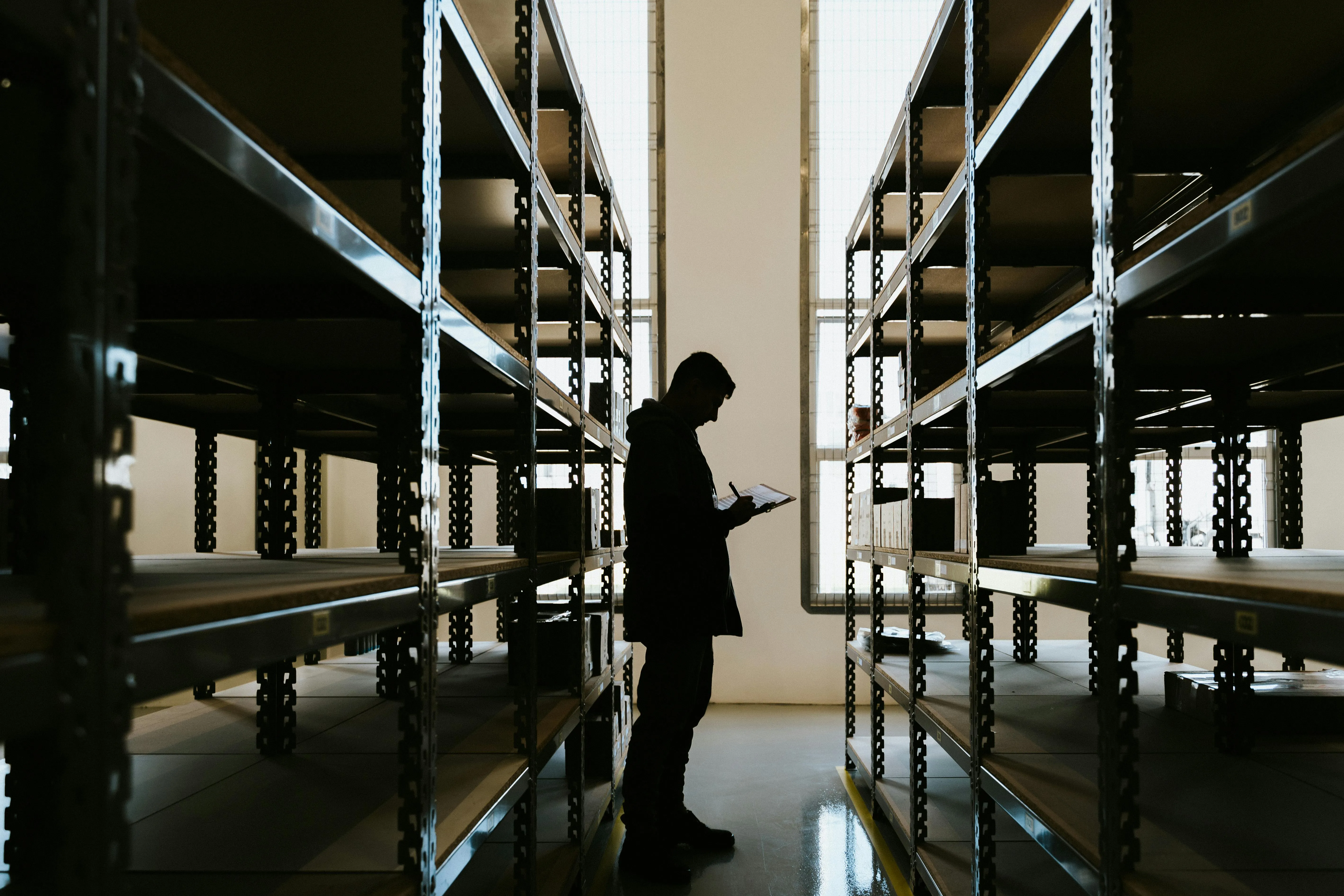
Counting inventory at your liquor store is often one of the most tedious and tricky tasks for an independent liquor store owner. Yet it’s a task you can’t afford to ignore because inventory is the lifeblood of your business, and managing it well can be the difference between profit and loss.
Let's explore why counting inventory in liquor stores is such a challenge and why regular counts are vital. We’ll then dive into the unique inventory quirks of liquor retail (from beer kegs to wine vintages), and discuss the importance of using a point-of-sale (POS) system built for liquor stores.
The Importance of Liquor Store Inventory Counts
For independent liquor store owners, keeping track of stock is a constant uphill battle. A typical store must manage hundreds or even thousands of SKUs across wine, spirits, beer, and more.
This sheer variety makes counting inventory at your liquor store a time-consuming task that many owners dread.
Catching Shrinkage Before It Adds Up
Because liquor is a high-value, high-risk product, accurate inventory counts are very important if you want to keep your business running tight. If you don’t count regularly, you can’t spot theft, breakage, or other shrinkage in time.
As a matter of fact, U.S. retailers on average lose about 1.6% of sales to shrinkage (theft, breakage, etc.). That might sound small, but for a $1 million/year store, that’s around $16,000 evaporating from your bottom line.
Regular inventory counts help you catch discrepancies early and tighten up security procedures.
Keeping Your Bestsellers in Stock
Inventory counts ensure you meet customer demand because there’s nothing worse for a liquor store than running out of a popular bourbon on Friday night. That can easily happen if you didn’t realize the stock was low.
A good inventory system with routine counts prevents those missed sales by prompting reorders before you hit zero.
Staying Compliant and Audit-Ready
Staying on top of inventory is important for compliance and record-keeping. In a highly regulated industry, detailed inventory records help with tax filings, audits, and protect your license by proving you have controls in place.
The challenge, of course, is finding the time and method to do it right.
One decision that affects accuracy right away is who performs the count. Outsourcing to a third-party can feel like the fastest option, but your own staff usually gets cleaner results because they already know your shelves, displays, and back-room storage.
Involving your team also sets the expectation that inventory accuracy is a shared responsibility, not a task that lives outside daily operations.
With that being said, let’s explore what specifically makes liquor store inventory so complex to count, and the solutions that make this process much easier and more effective.
{{DEMO_CTA="/components"}}
Managing Thousands of SKUs: Beer, Wine, and Everything in Between
One reason liquor store inventory is harder to manage than that of many other retailers is the complex mix of products and packaging involved. Liquor stores must handle a wide range of unique inventory scenarios that don’t exist in your average shop.
Here are some of the complexities you deal with when counting inventory at your liquor store:
Thousands of Unique Items:
Even a small wine and spirits shop might stock hundreds or thousands of SKUs covering red wines, craft beers, whiskeys, vodkas, liqueurs, and more. To stay competitive, independent stores often carry a broad selection, and balancing so many products (each with its own supplier and re-order schedule) is a huge challenge.
Case Packs vs. Single Bottles:
Liquor inventory often comes in cases (e.g., 12 bottles of wine) but is sold as single units. Breaking open a case to sell individual bottles can become a counting nightmare if your system doesn’t handle it automatically.
The right approach is to have an inventory system that seamlessly converts cases to bottles, so that when you receive a case of beer and sell 6 individual cans, the stock levels adjust correctly. Without this, you might accidentally count the same stock twice or lose track of how many singles are left. A specialized liquor POS will track case-breaks so that selling one bottle out of a 12-pack properly deducts 1/12 of a case (or however you manage it) from inventory.
“Look-Alike” Products (Vintages and Variants):
Liquor stores carry many products that are nearly identical in appearance. For example, the same wine label often comes in different vintages (2018, 2019, 2020). Or a popular vodka might come in 750ml, 1 liter, and 1.75L bottles that look similar.
If your inventory records aren’t crystal clear, it’s easy for staff to confuse one variant for another, and the wrong bottle walks out the door, causing an inventory error.
Proper SKU management means each variant/year has a distinct entry, and your POS should make it easy for staff to select the correct one at checkout. Keeping these “look-alike” items straight is a unique challenge when counting liquor inventory.
Kegs and Deposit Items:
If you sell keg beer or large containers, you have the added complication of deposits and returns. A keg isn’t just product inventory; it’s also a piece of equipment that customers borrow.
You might charge a $30 deposit that’s refunded upon return of the empty keg. Your system needs to track how many kegs are out with customers versus in the cooler and manage those deposit credits.
Similarly, many states have bottle deposit laws (for example, charging 5¢ per beer bottle that customers get back when they recycle). Tracking these deposits by item category ensures you don’t lose money or fail to reimburse customers properly.
Without software built for it, this can become a spreadsheet nightmare.
Missing Barcodes and Manual Identifiers:
Unlike grocery items, many alcoholic products (especially high-end wines or craft beers) might not have barcodes on each bottle. Small wineries and breweries sometimes use plain labels without UPC codes.
This means when you do inventory or sales, you can’t just scan everything easily, and staff might have to key in or select the item from a list.
If your POS or inventory system has a comprehensive product database (or allows you to scan the case barcode and know what’s inside), it can speed up this process. But if not, counting those items is labor-intensive.
Modern liquor store systems address this by providing pre-loaded product info or AI image recognition to identify bottles, reducing the friction of counting and receiving stock.
How to Approach Inventory Counts in a Liquor Store
Before you start counting, lock in a baseline so you know what you are counting against.
Freeze your numbers first: Freeze inventory in your POS, or export on-hand quantities, to create a snapshot of expected stock before you begin.
Compare expected vs. counted: After the count, compare expected versus counted numbers to quickly spot shrinkage, surplus, and repeat errors that keep throwing off your inventory.
Set a count cadence: Many liquor stores conduct partial inventory counts every two weeks and a full count at least annually.
Spread full counts across multiple sessions: A full count does not need to happen in one sitting. Spreading the work across multiple days, or even a few weeks, lets you count during slower windows without interrupting operations or costing sales. Smaller sessions reduce rushed mistakes and make the process easier to complete consistently.
Break the count into sections: Instead of treating inventory as one giant task, count defined areas such as red wine, craft beer, front displays, and back storage. This keeps the scope small, reduces missed items, and makes it easier to pinpoint exactly where discrepancies happen.
Assign ownership by section: Give each section to a specific employee rather than having everyone count everything. Clear ownership prevents duplicate work and makes reconciliation straightforward. If a section comes back with major variances, you can review it with the person responsible and resolve issues faster.
How a Liquor-Specific POS System Makes Inventory Management Easier
Given the challenges above, relying on outdated systems or manual methods for liquor inventory can quickly lead to mistakes and wasted time.
You sell a bottle in-store, an online order hits, a delivery app pulls stock you didn’t know was gone, and suddenly your “on hand” numbers are fiction. Then you waste your night doing damage control with refunds, substitutions, angry customers, and a shelf that “should” be full but isn’t.
Best liquor POS systems are designed with these exact problems in mind, providing features that make counting and tracking inventory far easier than using a one-size-fits-all solution.
It understands that the same brand can mean different bottle sizes, different vintages, and sometimes products that look nearly identical. It also accounts for how liquor inventory is handled, such as receiving by the case but selling by the bottle, tracking deposits and kegs where applicable, and keeping clean records for compliance.
When those details are built into the system, your counts stop drifting, your team makes fewer mistakes at the register, and receiving stops being a manual paperwork marathon.
That’s why a liquor-specific POS makes daily inventory work simpler:
- One real inventory count across all sales channels (in-store, ecommerce, delivery), so every sale updates stock immediately.
- Faster receiving with invoice importing or scanning, so you’re not typing distributor invoices line by line.
- Liquor-ready workflows like case-to-bottle splits, deposits, and age-check prompts, so your numbers match how you sell.
- Clear reporting that surfaces shrink and slow movers early, before they quietly eat your margin.
When your POS is designed for liquor, counting inventory stops being a crisis and becomes a repeatable routine you can trust.
Make Inventory Counts Easier with Santé POS
When inventory is wrong, you pay for it twice. Once when you reorder what you already have, and again when you miss sales because the shelf is empty. Santé POS helps by tightening the two places where counts usually fall apart: receiving and selling across multiple channels.
Santé gives you cleaner and faster inventory counts:
- AI invoice scanning: Upload a PDF or snap a photo of the distributor invoice, and it turns into inventory entries automatically. You can still review and correct anything before it's finalized, so you get the speed of automation without losing control over accuracy.
- One inventory number across all channels: In-store, ecommerce, and third-party delivery stay in sync, so a sale in any channel updates on-hand immediately and prevents oversells.
- Spot Check mobile counting: Walk the aisles with your phone, scan items, and correct counts in real time. Counts are tied to employee logins so you can see who counted what, and managers can review variances before approving updates to inventory.
- Smarter replenishment: Set minimums and let the system flag what is running low, so you reorder winners on time and stop overbuying slow movers.
- Liquor-specific tracking: Support for deposits and keg tracking, plus a rich product catalog that reduces setup work and helps keep SKUs organized.
Book a demo and see how much easier inventory counting can be with Sante POS.
Your submission has been received!