How to Set Up Customer Profiles for Your Liquor Store (So You Can Run Loyalty + Targeted Promos)
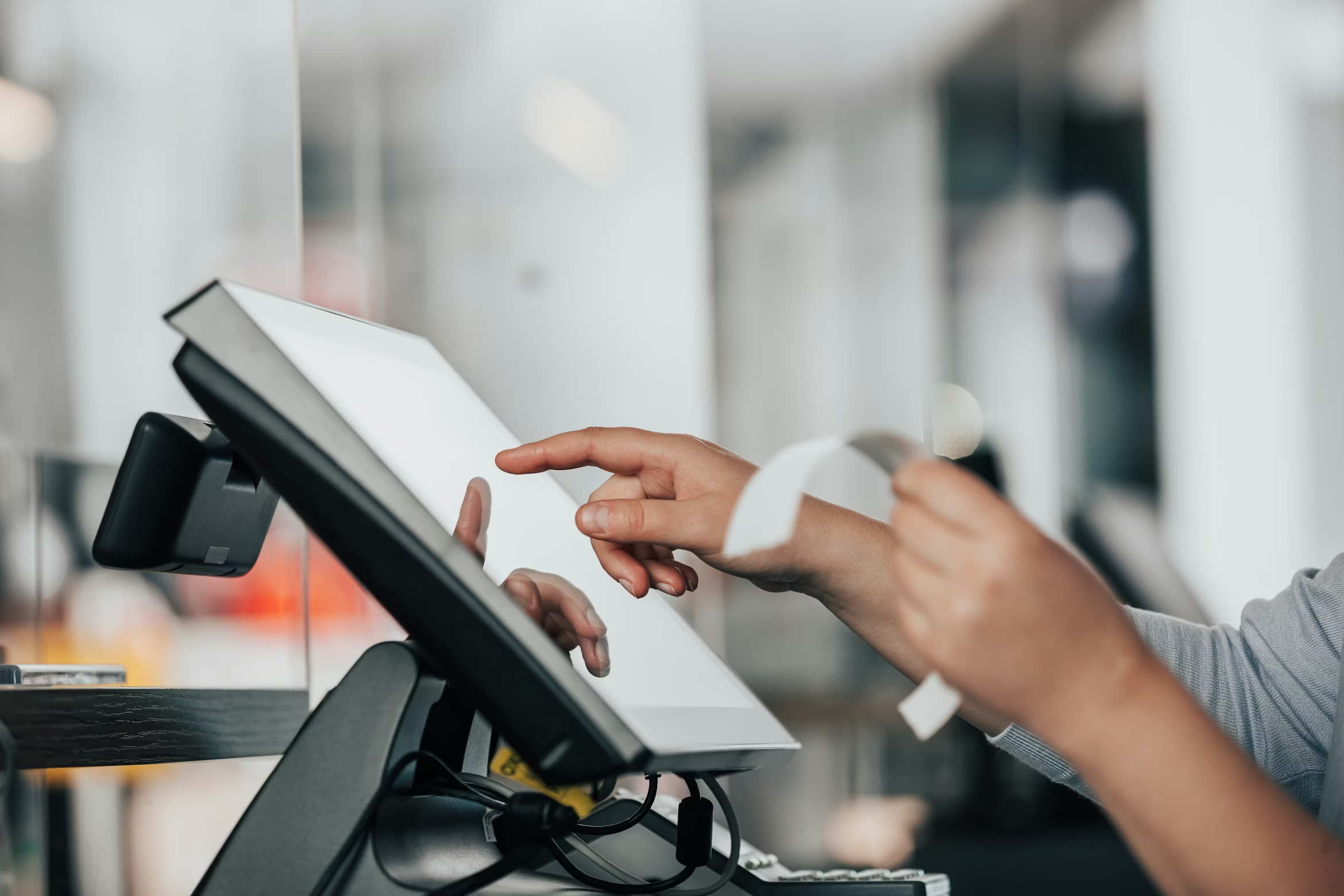
Grocery stores and corporate chains can outspend you, undercut pricing, and flood the market with ads.
Your number one differentiator is: knowing your customers better than anyone else.
Enabling and encouraging your customers to create profiles with your liquor store turns that edge into a system that gives your employees the tools they need to provide the best shopping experience in your community.
With profiles on all of your customers, you’ll know their preferred price points, and see patterns in what they buy across wine, spirits, beer, and canned cocktails.
You’ll quickly spot who’s adventurous (new releases, seasonal drops) and who’s a creature of habit (purchases the same bottle every Friday).
If you want more repeat customers, more attractive promotions, and a loyalty program that drives sales, customer profiles are the foundation, and this guide will show you how to set them up the right way.
Customer Profiles Turn Transactions Into a Growth System
Customer profiles give you a reliable way to understand what is happening in your store so you can act on it.
Over time, the data compounds and repeat purchases follow. Every visit adds another layer of insight into what your customers buy, how often they shop, what they respond to, and how their tastes change across the seasons. You will also learn who is slipping away so you can bring them back with a personalized offer before they become someone else’s customer.
When you set up customer profiles, you are building a system that turns everyday transactions into a clear playbook for growth:
- Higher retention and sales: Customer profiles provides your staff with on-demand access to each shopper’s purchase history so that they can provide sterling service that exceeds your customer’s expectations
- More personalized marketing: Profiles let you tailor promos and product recommendations to each customer's buying habits and preferred price points.
- Better decisions and better communication: Profiles capture the customer data you need to stock smarter and keep people engaged with relevant updates like tastings, limited drops, and new arrivals
Customer profiles power a more tailored, data-driven approach to marketing. They lay a healthy foundation for all future marketing and promotional activities of your liquor store. Everything becomes more effective when it’s built on customer insights.
How to Collect Customer Profiles In-Store Without Slowing Checkout
The right way to do this today is to make sign-up customer-led, fast, and tied to a clear benefit.
Checkout is the best moment because every shopper is already interacting with your POS and payment device, and you can capture the info without adding another process for your staff.
The simplest setup is a customer-facing credit card terminal that prompts shoppers to create an account while they pay. You do not rely on clipboards, paper forms, or cashiers typing customer details during a rush. You let the customer do it themselves in a few taps.
Here is what the flow should look like:
- Prompt at checkout: After you ring up the sale, the screen asks if they want to join your loyalty program, RSVP for an event or sign up for an account
- Give a reason: The prompt includes a clear benefit like earning points, getting member-only pricing, or early access to allocated inventory
- Collect the minimum: Ask for phone number number and have your POS provider follow-up with them to collect the rest of their information on their own terms
- Confirm permission: Let them opt in to texts or emails so your outreach stays compliant and welcome
Done right, profile creation becomes part of the payment experience. It feels natural for the customer, it does not slow the line and it happens consistently even on your busiest days.
{{DEMO_CTA="/components"}}
What Hardware Do You Need to Let Customers Create Profiles at Checkout
The proper hardware setup for in-store profile creation puts sign-up in the customer’s hands at checkout, so it feels like part of the payment, not an extra step.
To do this well, your checkout hardware needs to be:
- Customer-facing and touchscreen, so people can type their info themselves
- Fast, modern payment processing, so sign-up does not slow the line
- Payments from your POS provider so that the customer information you collect on the credit card terminal flows to the customer accounts in your POS
- Secure and modern, so customers trust the flow, and you stay compliant
A perfect setup for creating customer profiles in your liquor store would include:
- A customer-facing touchscreen at checkout
- A POS system that saves the profile automatically and links purchases to that profile in real time
- A POS system that provides a built-in marketing platform so that you can activate this customer data with email and SMS campaigns
- A simple incentive like points, member pricing, or early access to tastings
Common ways liquor stores implement this setup include a smart payment terminal with a touchscreen, where customers enter their info right where they pay.
Some stores use a dual-screen POS register, with one screen for the cashier and a customer-facing display that captures profiles during checkout. Others place a small countertop tablet kiosk near the register so customers can enroll while they are waiting in line or right after they complete their purchase.
Here is an ideal checkout flow that your POS provider should support today:
- You ring up the sale, and the customer is ready to pay
- The terminal prompts them to create an account or join loyalty
- The credit card terminal presents compliant, permission-based language that clarifies that the shopper is signing up for communications from your store
- They enter the basics like phone number or email, then name if you want it
- They complete the payment, and the transaction is automatically linked to their profile
- Your POS provider sends a follow-up to the customer, requesting that they complete their profile with name, address, etc.
Because the customer is already looking at the terminal to pay, the experience feels natural and private. They can type without saying anything out loud. And since the prompt runs on the device, your staff can stay focused on moving the line.
The other advantage is that a customer-facing terminal gives you real marketing space at the moment of purchase. You can use that screen to promote tastings, highlight loyalty perks, or push a limited drop, then convert that attention into a profile sign-up while the customer is already engaged.
Sync In-Store and Online Profiles with a Liquor-Specific POS
Collecting profiles at checkout is a great start, but it is only half the job. If your online store runs on a separate platform, you end up with two versions of the same customer.
One profile lives in your POS and another lives in your eCommerce system. That splits purchase history, loyalty activity, and customer data. It also forces you into generic marketing because you never see the whole picture in one place.
This is the reality for most liquor stores. They have a POS for the register, a separate eCommerce platform for the website, and sometimes delivery apps layered on top.
A liquor-specific POS solves this problem by design.
Santé does that by putting in-store POS and eCommerce on the same system, using the same customer database, the same inventory, and the same CRM.
Santé POS can host your storefront, meaning your website runs on Santé’s platform and stays connected to your POS. You just need to connect your product catalog, choose how you want to fulfill orders, set up payments, and publish your storefront under your branding.
Once the storefront is live, profile creation happens online the same way it happens in-store. When a customer purchases on your Santé-hosted website, they create an account in the same CRM as your in-store customers. They only need one account for everything.
One profile, one purchase history, and one foundation to run loyalty, rewards, targeted promotions, and win-back campaigns that are all based on your customers' shopping habits.
Santé POS Makes Customer Profiles Simple In-Store and Online
Santé gives liquor stores everything they need to collect customer profiles without slowing down operations.
Every store gets modern PAX A3700 touchscreen terminals for each register, so checkout never bottlenecks. One customer can be paying while another is creating a profile, joining loyalty, or opting into updates.
Santé also makes it easy to launch a branded online storefront in just a few steps, with customers automatically creating accounts when they order.
Because in-store POS and eCommerce are built into the same system, every purchase flows into one unified profile.
Book a demo with Santé POS to see how in-store checkout and eCommerce work together to power loyalty, targeted promos, innovative marketing, and repeat business.
Your submission has been received!